1. Introduction: Why This Comparison Matters Now
- Brief recap of Excel Agent Mode’s launch and capabilities
- Why dashboard builders are questioning traditional workflows
- Key question: Is Agent Mode a replacement—or an accelerator?

2. What “Traditional” Excel Dashboards Look Like
Explain the classic Excel dashboard workflow:
- Data preparation and normalization
- Manual formula creation (SUMIFS, XLOOKUP, LAMBDA, etc.)
- PivotTables and PivotCharts
- Slicers, timelines, and formatting
- Manual layout and maintenance
Key characteristics:
- High control
- High manual effort
- Strong Excel skill dependency
3. How Agent Mode Changes the Workflow
Describe the Agent Mode approach:
- Goal-based instructions instead of step-by-step building
- Automated creation of sheets, PivotTables, and charts
- Multi-step execution without manual assembly
- Conversational iteration instead of structural rewrites
Key shift: From construction to direction.
4. Side-by-Side Comparison
Workflow Comparison Table
| Aspect | Traditional Excel Dashboards | Excel Agent Mode Dashboards |
|---|---|---|
| Build method | Manual | AI-driven |
| Setup time | High | Low |
| Required Excel skill | Advanced | Moderate |
| Flexibility | Very high | High |
| Transparency | Full | High (but AI-generated) |
| Iteration speed | Slow | Fast |
| Error risk | Human | AI + human review |
5. Accuracy, Trust, and Validation
- Why Agent Mode outputs still require validation
- Common risks: misinterpreted columns, KPI assumptions
- Best practices for reviewing AI-built dashboards
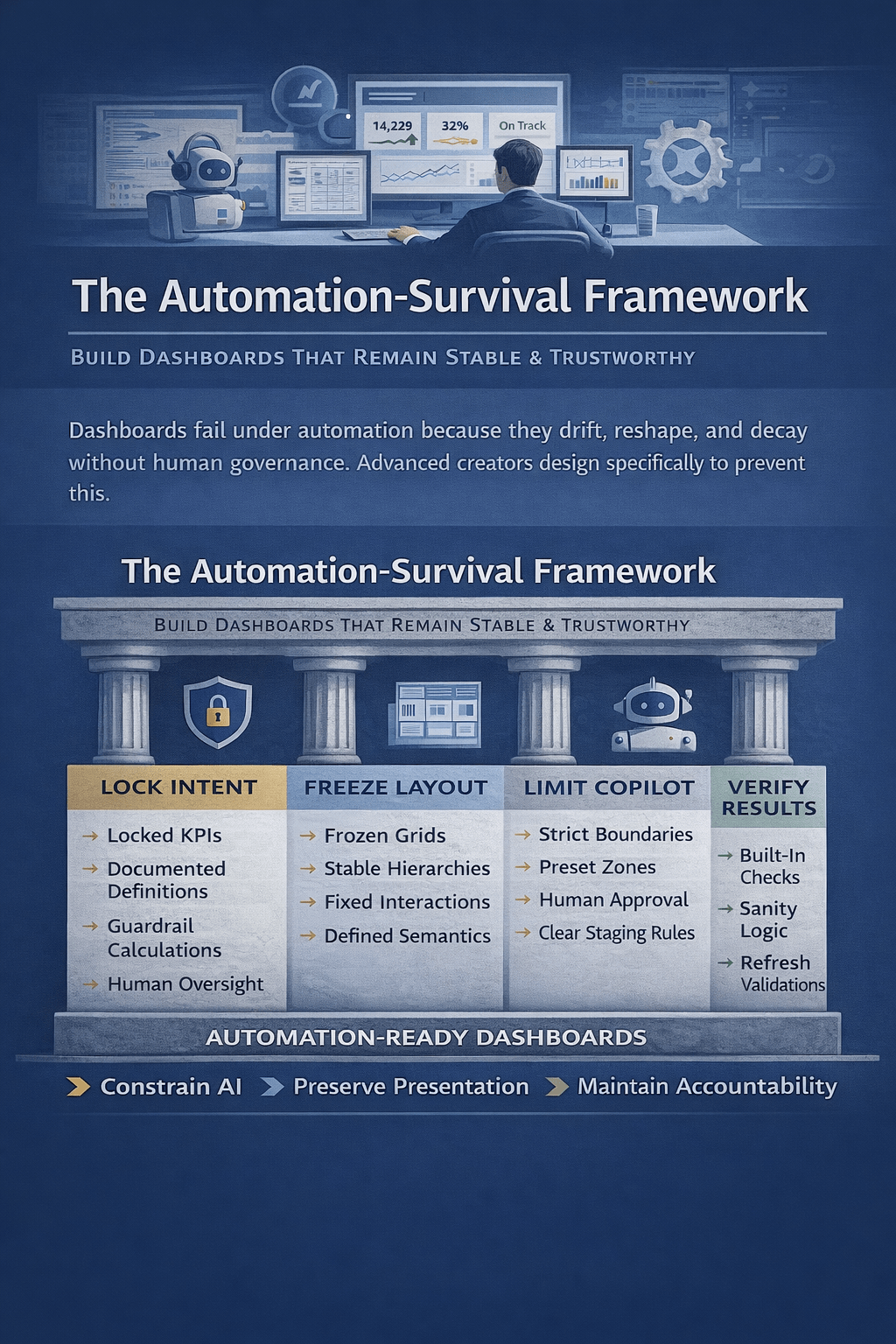
- Why Excel skills remain essential—even with AI
6. When Traditional Dashboards Are Still the Better Choice
Use cases where manual dashboards win:
- Highly regulated reporting
- Complex financial models
- Custom formulas and advanced LAMBDA logic
- Heavily branded executive reports
- Long-term standardized templates
7. When Agent Mode Clearly Wins
Scenarios where Agent Mode excels:
- Rapid dashboard prototyping
- Ad-hoc reporting requests
- Self-service analytics for non-experts
- Exploratory analysis
- Early-stage KPI definition
8. The Hybrid Model: How Most Teams Will Work
Explain the emerging reality:
- Agent Mode for initial build and iteration
- Humans for refinement, governance, and storytelling
- Excel as a co-creation environment
- Dashboards evolve through dialogue, not rebuilds
9. Impact on Excel Skills and Roles
- Shift from “formula writer” to “analytical designer”
- Importance of data literacy over syntax memorization
- New value of prompt clarity and KPI framing
- Excel expertise remains strategic—not obsolete
10. Final Verdict: Replacement or Reinvention?
- Clear conclusion: Agent Mode does not end traditional dashboards
- It redefines how dashboards are created
- Excel remains central—just more automated
- The future is AI-augmented Excel, not AI-only reporting

 Excel Mini Dashboard