Every year, more organizations adopt enterprise business-intelligence (BI) tools, and Microsoft Power BI is often seen as the natural successor to Excel for dashboarding. With its cloud-based sharing, dynamic visualizations, and enterprise data modeling, many analysts position Power BI as the future of corporate reporting. But does that mean Power BI is replacing Excel dashboards?
The reality is more nuanced. Yes, Power BI is gaining significant market share in analytics workflows—but Excel remains the dominant tool for operational dashboards, quick insights, and financial reporting. This article examines the 2025 data, the strategic drivers behind the shift, and why Excel dashboards continue to be a critical part of the reporting ecosystem.Power BI Shines for Enterprise Dashboards, Not Every Dashboard
Power BI excels when dashboards require:
- Automated data refresh
- Drill-down layers
- Row-level security
- Integration with SQL, Azure, Salesforce, Dataverse
- Cross-department reporting at scale
- Consistent visuals for internal governance
But these strengths don’t diminish Excel—they simply reposition it.
Power BI becomes the “front-end” for enterprise reporting; Excel remains the analytical engine behind it.
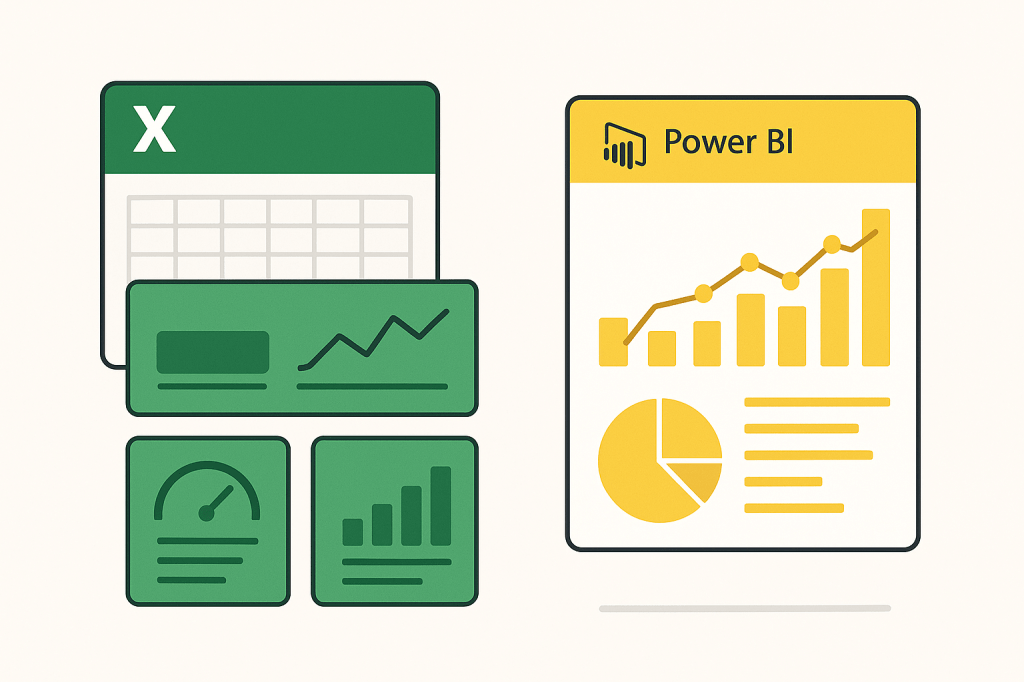
Is Power BI Gaining Market Share? The Industry Trend
Market surveys across 2024–2025 show a clear direction:
- Power BI adoption continues to increase across mid-sized and large enterprises.
- Organizations pursuing automation, governance, and real-time reporting are shifting their dashboards into Power BI.
- BI teams often designate Power BI as the “official” environment for enterprise dashboards.
The key driver behind this growth is scalability. Power BI handles larger datasets, integrates with cloud data sources, and offers scheduled refreshes without manual intervention.
For IT departments and CFOs seeking consistent reporting pipelines, Power BI feels like a natural upgrade.
Why Excel Dashboards Still Dominate Day-to-Day Reporting
Despite Power BI’s growing market presence, Excel remains unrivalled in several areas:
1. Flexibility for Rapid Analysis
Building a dashboard in Excel can take minutes—not hours. You can manipulate raw numbers, run formulas, and visualize results without leaving the file.
2. Familiarity Across the Workforce
Excel has the largest user base of any analytics tool in the world. Most professionals already know it, reducing training and onboarding time.
3. Financial Modeling is Still Excel’s Domain
VAR models, scenario analysis, budget templates, cash-flow logic—these workflows remain built on Excel’s grid.
4. Cost and Simplicity
Power BI requires licensing, workspaces, refresh pipelines, and governance processes.
Excel requires… Excel.
5. Operational Dashboards Fit Perfectly into Excel
KPIs, mini dashboards, project trackers, budget vs actual visuals—all fit seamlessly into Excel’s environment, especially for small teams.
This is why the majority of organizations still maintain hybrid ecosystems.
The 2025 Outlook: A Dual-Tool Future
Is Power BI replacing Excel dashboards?
No—not entirely. But it is redefining where dashboards live.
Most organizations evolve into this model:
• Excel for operational, analytical, and financial dashboards
Small teams, rapid modeling, KPI snapshots, budget trackers, and ad-hoc visuals.
• Power BI for enterprise dashboards and governed reporting
User-facing dashboards displayed company-wide with automated refresh.
Rather than a replacement, the trend reflects specialization. Excel continues to thrive where flexibility matters; Power BI expands where scale and automation matter.
Conclusion
Power BI is gaining adoption quickly, especially for strategic dashboards shared across large audiences. But Excel remains essential—universally adopted, incredibly flexible, and uniquely suited for analytical dashboarding.
For most organizations, the future isn’t “Power BI vs Excel.” It’s Power BI and Excel, each doing what it does best.
And for creators, consultants, and teams who want fast insights and lightweight dashboards—Excel mini dashboards are not going anywhere.

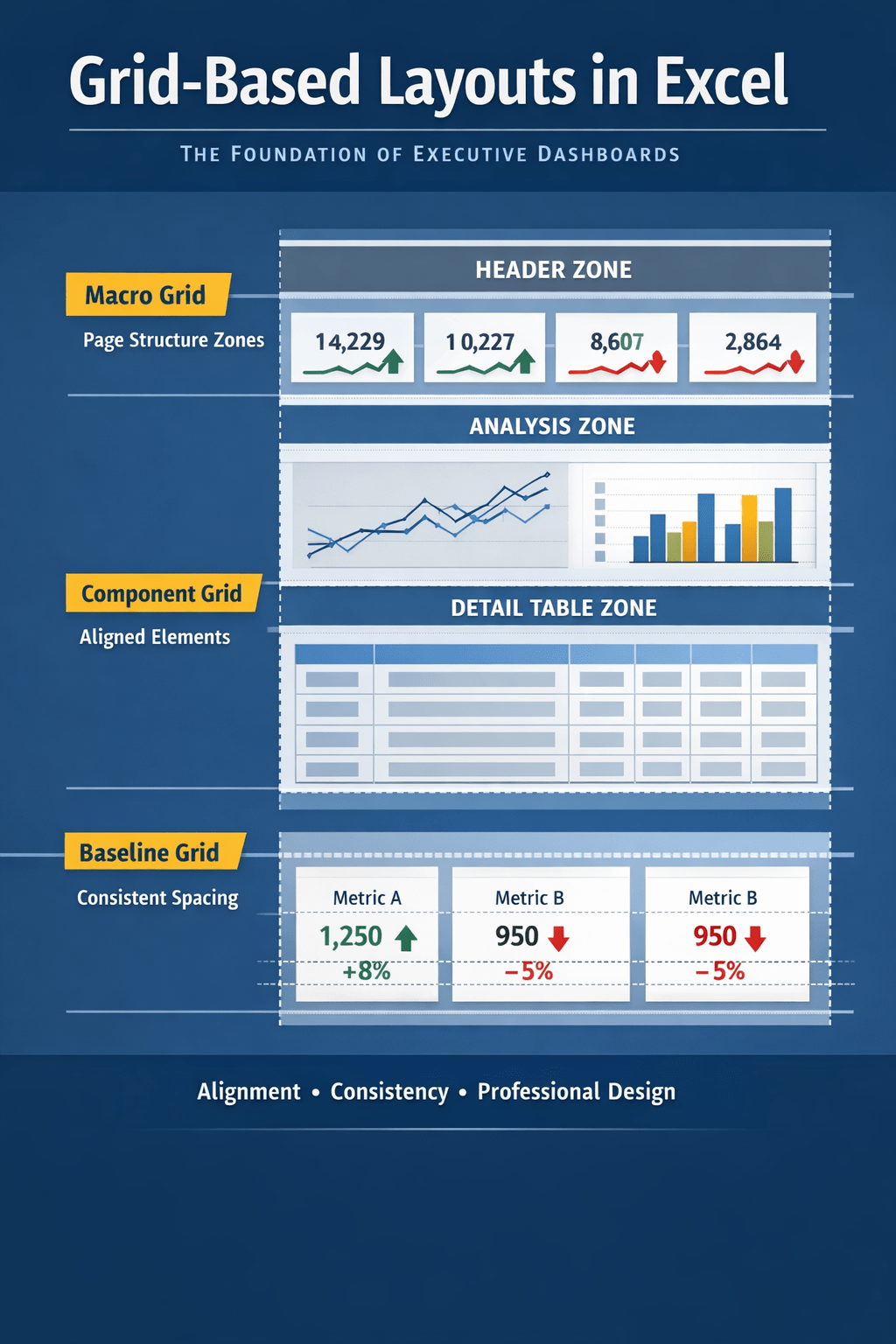
 Excel Mini Dashboard